Send large video files without compression
Deliver 4K footage, final renders, and client projects up to 250GB. No quality loss, no file splitting, no upload limits. Share your work exactly as you exported it from your editing software.
Zero quality loss
Send raw footage, graded cuts, and final exports in full resolution. Upload entire video projects up to 250GB.
Preview before downloading
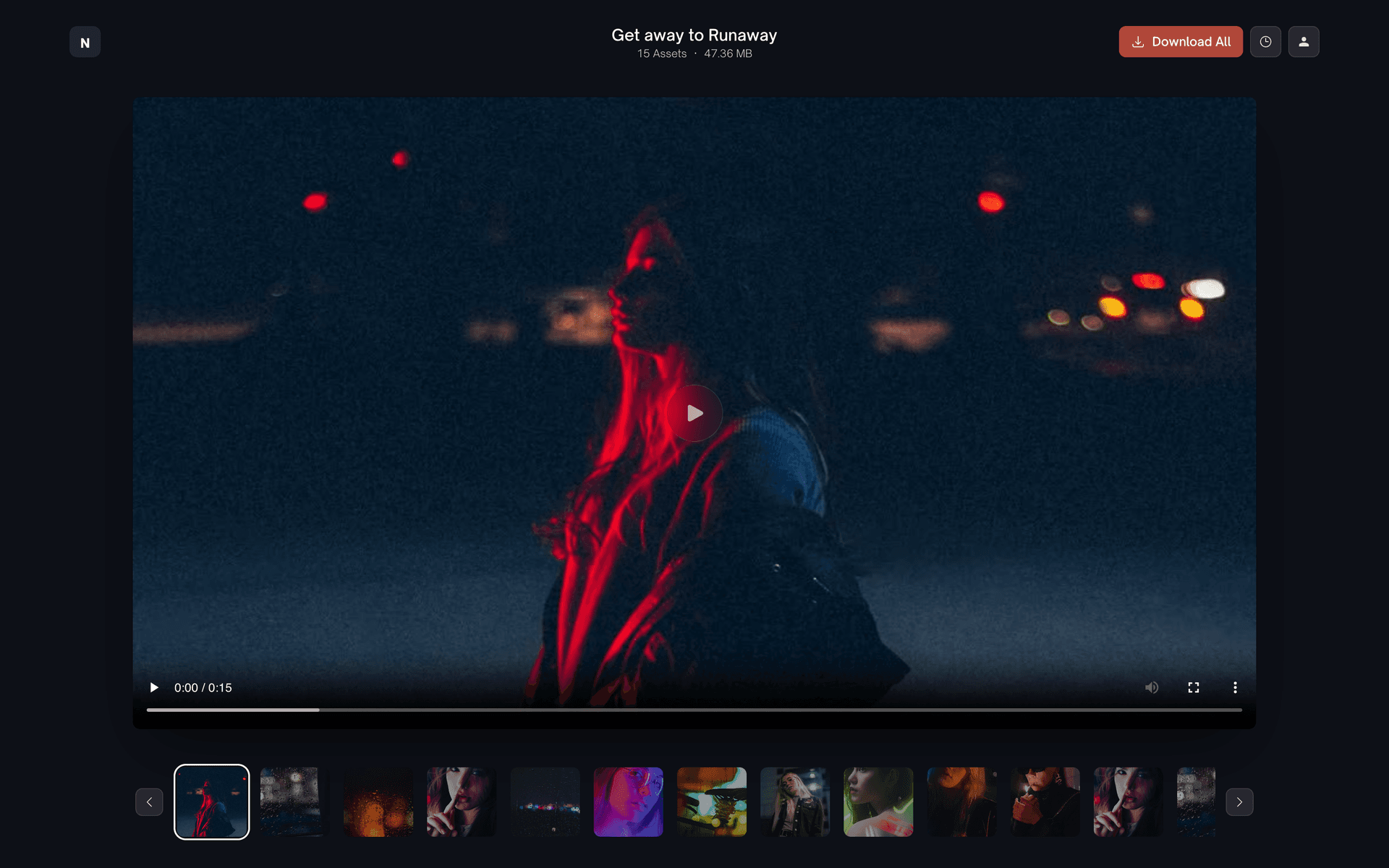
Clients watch the cut in the browser before they download it. Fewer revisions, faster sign off, less back and forth.
Studio branding included
Deliver files on a branded page with your logo and colors. A polished client experience from the first click.
Stop worrying about file size limits
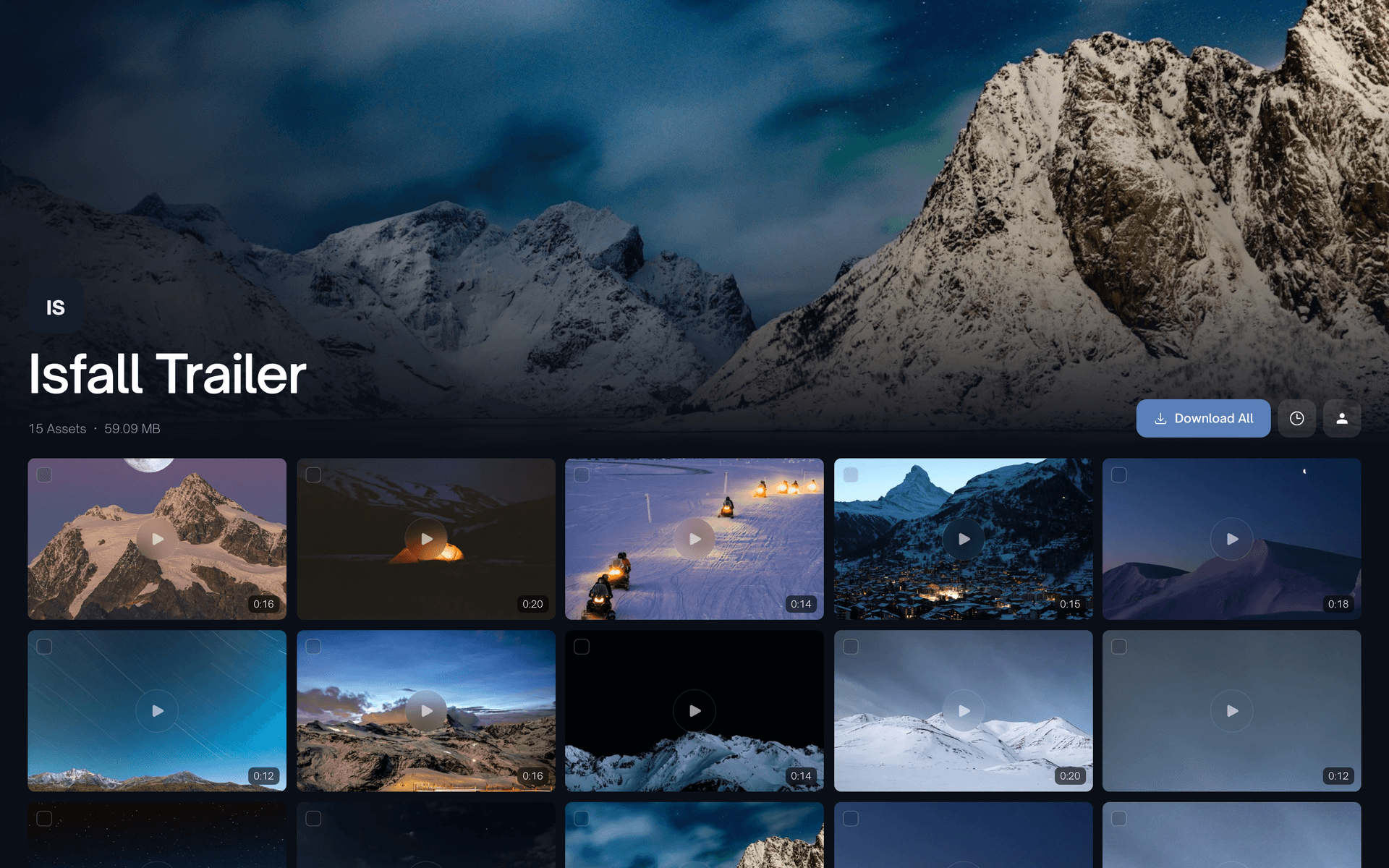
Upload full video projects in one place, from raw footage to final exports. Clients receive everything on a clean, branded delivery page that matches your studio, with a play button and a running time on every clip.
Off-load footage from set
The ZappFiles iOS app uploads proxies and select clips straight from your iPhone. Pick from Files or Photos, share from any app, and let the upload keep running in the background while you wrap the shoot.
Step-by-step
1. Export and upload your videos
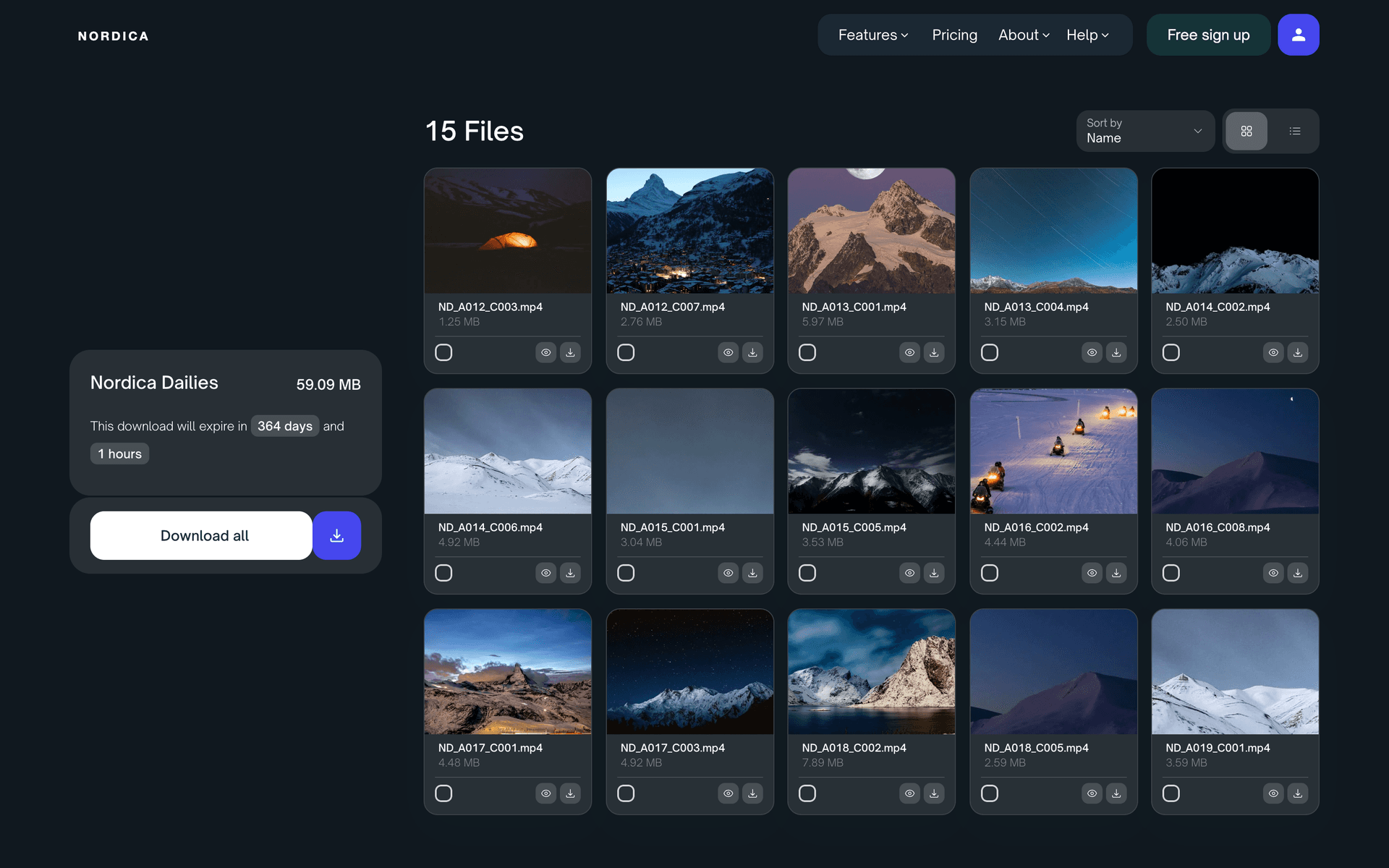
Export from Premiere Pro, Final Cut Pro, or DaVinci Resolve, then drag the files or the whole project folder into ZappFiles. Thumbnails and in-browser previews are generated for you.
2. Brand your delivery page
Add your logo, choose your brand colors, and write a quick note for your client. Set link expiration to match your timeline, whether it is a fast approval round or a longer archive.
3. Send the download link
Copy your link and share it by email, text, or your project tool. Clients open a clean download page with video previews and file details, and they do not need an account.
4. Confirm delivery completion
On Pro and Max, see how many times each file was downloaded, and roughly where from, in your dashboard. Enough to wrap the project and send the invoice without asking whether the files arrived.
Built for video production workflows
Video previews
Thumbnails for every video, and full quality playback in the browser for MP4, MOV, AVI, WEBM, and MKV. Clients can watch the cut before they download it.
Zero-compression
Share video files exactly as you exported them from your editing software. No transcoding, no quality loss, and no changes to your final render.
Studio branding
Deliver videos on a branded download page with your logo, colors, and message. Ideal for studios and filmmakers who want every client handoff to feel professional.
Flexible expiration
Set link expiration dates to match your project timeline and delivery needs. Useful for short review cycles, long term access, or sensitive client projects.
Manage uploads
Add files after sending, extend the expiry, or change the settings on Pro and Max. Handy for revision rounds, and the download link stays the same.
Delivery tracking
See how many times each file was downloaded, and roughly where from, on Pro and Max. Close the project knowing the files arrived.
FAQs
Can’t find the answer you’re looking for?
Reach out to our customer support team.