Why Google Drive isn't built for sending files to clients
You already have a Google Drive account, so sharing a folder feels like the fastest way to get files to a client. Then they email asking for access, a Request access notification lands at 11pm, and you realize the parent folder is still shared with two other clients from last year. Drive is built to be your own filing cabinet. A client handoff is a different job, and here's exactly where that gap shows up.
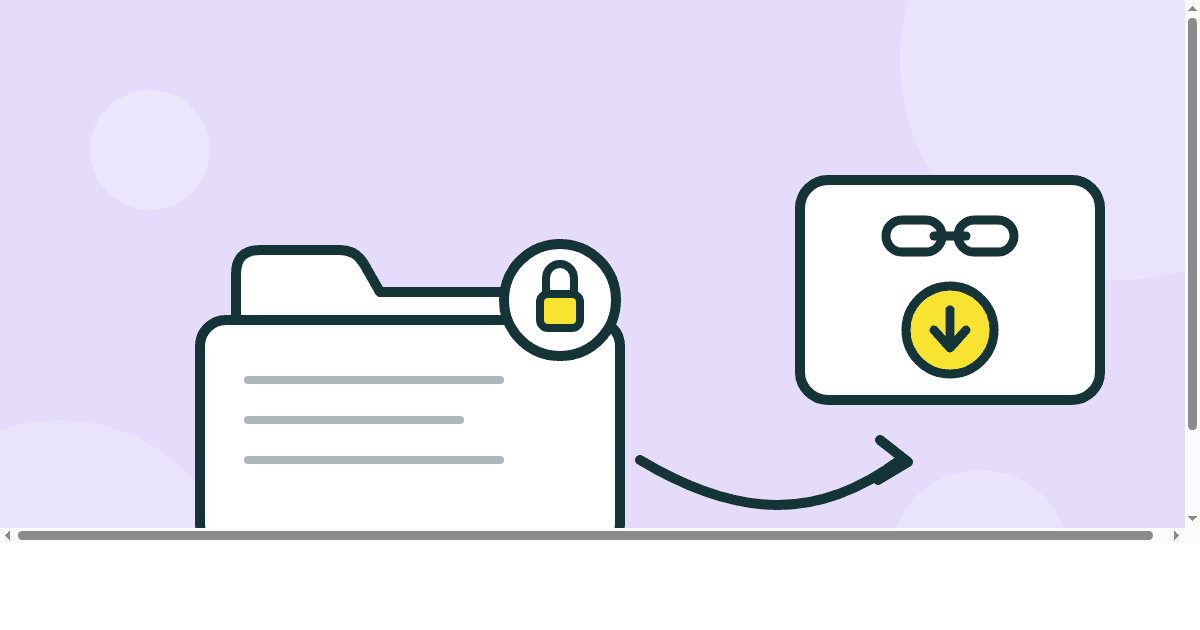
Why Drive is the first thing you reach for
There is nothing wrong with the instinct. You already have the storage, dragging a folder into a share link takes ten seconds, and neither you nor your client has to sign up for anything new. For a single document, that is the whole job done.
The trouble starts once the handoff has a deadline, a specific recipient, and more than one file in it. A shared folder was designed to be a place you and your team keep working in together, not a one way delivery to someone outside your workspace, and it behaves that way the moment you try to use it as one.
Where a shared folder breaks down for client work
- Permission walls. If your client is not already signed into the right account, or has never had access before, they hit a Request access screen instead of a file. That request lands in your inbox whenever it lands, not when you need them looking at the work.
- No expiry by default. A Drive or Dropbox link stays live until you remember to revoke it. Most people never do, so old client folders from a year ago are frequently still wide open on a link that never expired.
- One folder, more than one client. It is easy to share a parent folder instead of the specific subfolder a client actually needs, especially in a hurry. That client can now see every other project sitting next to theirs.
- No idea if they opened it. Drive and Dropbox do not tell the owner when a shared file gets viewed or downloaded. You are back to emailing to ask, which is the exact problem a delivery link should solve.
- It counts against your storage forever. Every client deliverable you leave sitting in a shared folder eats into your own quota until you go back and clean it up, which almost never happens on schedule.
A shared folder and a scoped link solve different problems
| A shared Drive or Dropbox folder | A ZappFiles transfer link | |
|---|---|---|
| Account needed to open it | Usually the client's own account | None. No sign in either side |
| Link expiry | Manual, and off by default | Set automatically, 10 to 365 days by plan |
| Preview before downloading | Depends on the file type | Images, video, RAW, and PSD, AI, EPS, and PDF all preview |
| Download visibility | None built in | A download count on every transfer, per file on Pro and Max |
| Branding the client sees | The generic Drive or Dropbox interface | Your logo and colors on Max |
| Where the files sit afterward | Your personal storage quota, permanently | A transfer that clears itself on expiry |
None of this means Drive is worse at what it is actually for. It means a shared folder and a delivery link are built to answer different questions, and using one for the other's job is where the friction comes from.
When Drive or Dropbox is genuinely the right call
For ongoing collaboration, a live folder that you and a client both keep adding to and editing, sync tools are exactly the right instrument. The same goes for internal team files that never leave your own organization. That is their job, and a scoped delivery link would be the wrong tool for it too, since it is built to close, not stay open.
What sync tools are not built for is the moment a project ends: a finished shoot, a final export, a completed brand package, headed to someone outside your workspace who just needs to receive it once. That is a handoff, not a shared workspace, and it deserves a link that behaves like one.
A one link handoff instead of a shared folder
ZappFiles is built around that single handoff instead of a persistent folder. Drop in the finished files or a whole project folder, structure preserved end to end as covered in the folder support guide, and send the link. Your client opens it with no account and no Request access screen in the way.
Set an expiry that matches the job instead of hoping you remember to revoke access later, from 10 days up to a full year depending on plan, detailed in the file size and plan limits guide. And once it is sent, a download count on your transfer history tells you whether it landed, without a follow up email.
Keep Drive or Dropbox for the working files your team touches every day. Send the finished work as a link that is scoped to one client, one project, and one expiry date, covered further in how ZappFiles keeps a transfer secure.
Before you paste another Drive link to a client
- Check whether the client already has edit access, or is about to hit a Request access wall the moment they click.
- Check whether the folder, or its parent, is shared with anyone else who should not see it.
- Set an end date on the share, or accept that you are responsible for remembering to revoke it yourself.
- If the client needs everything at once, remember they are downloading file by file or zipping it themselves on their end, not getting one clean download.
- If you need to know whether they actually looked, plan on emailing to ask, because the folder will not tell you.
Stop turning storage into delivery
Keep Drive for the files your team is still working on. Send the finished work as a scoped link with an expiry, previews, and a download count you can actually see.